Help Center - Purchasing market data tutorial
Institutional clients (Web)
1. Log in with Super Admin account
The Super Admin of an institutional client logs in to their UMX account and goes to the Team section.
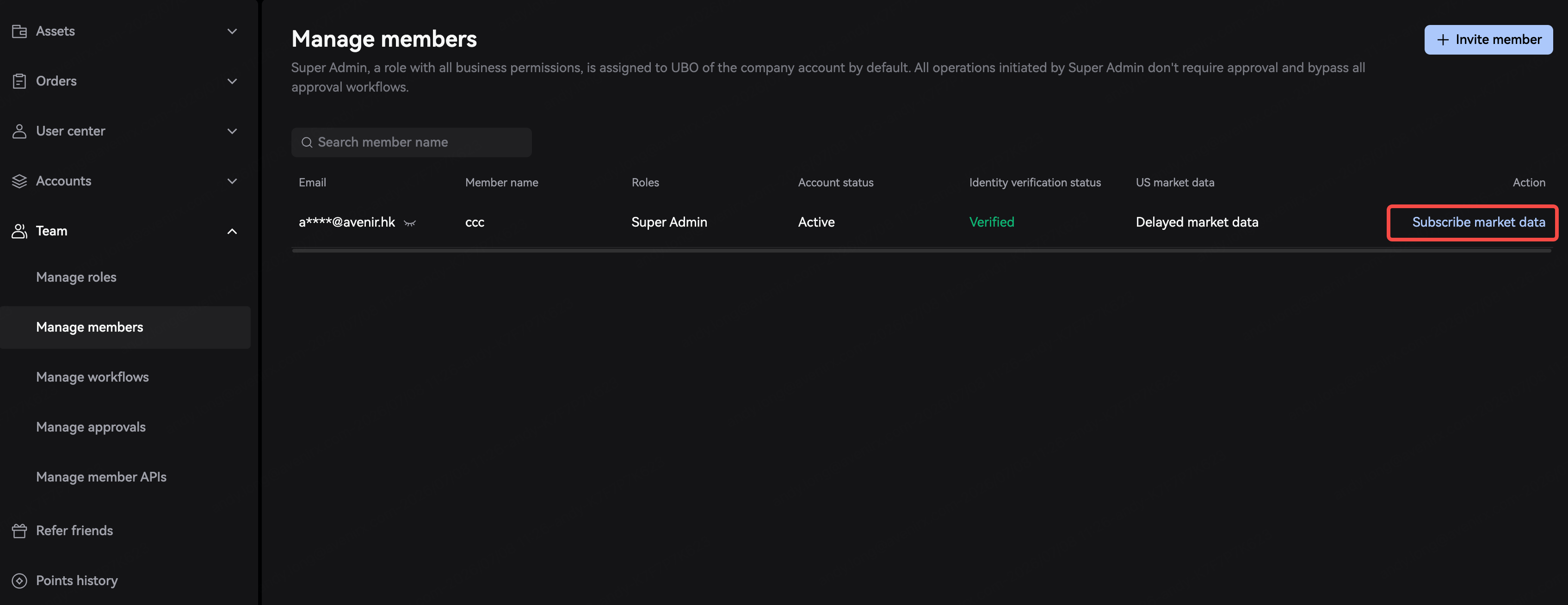
2. Subscribe to market data via member management
The Super Admin goes to Manage members where they can manage market data subscriptions for individual members.
3. Select market data
Clients can choose from 3 types of market data to subscribe to: US stocks, US stock options, and API. Details are as follows:
US stocks
US stock options
API
4. Subscribe
After the Super Admin clicks to subscribe, a confirmation pop-up will appear. After they click to pay, the subscription will immediately take effect, and the subscription status will be updated to Subscribed.
Individual users (App)
1. Go to the US stocks overview page
Tap the market data icon in the upper-right corner, and the market data purchase options will appear.